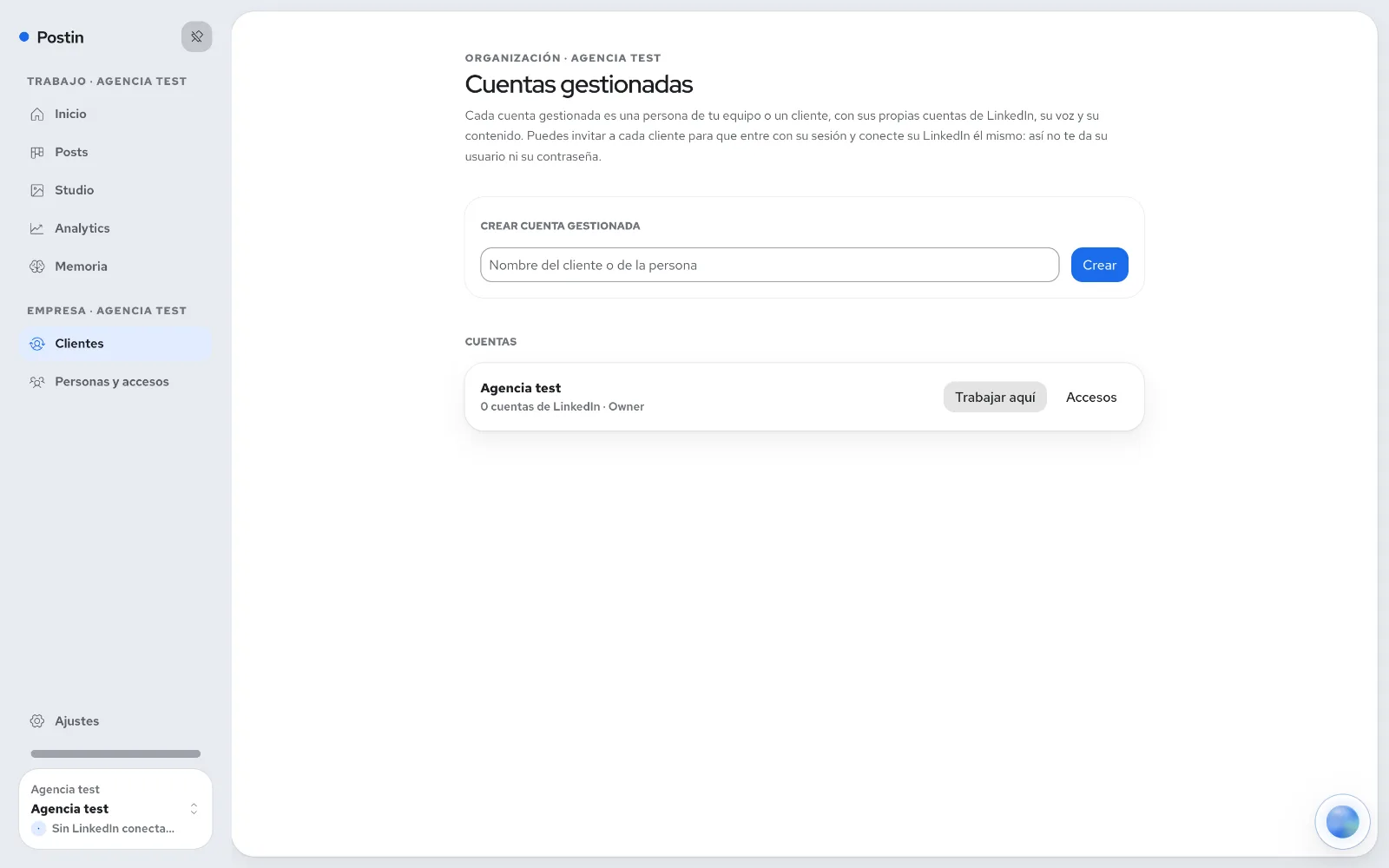
AI LinkedIn post generator, in your language and your voice
Postin uses AI to draft your LinkedIn posts from an idea, a voice note or a text you already have. First it learns how you write, so the draft comes out in your language and sounds like you. You review it, ask for changes and decide whether it goes out, and when.
Voice Profile
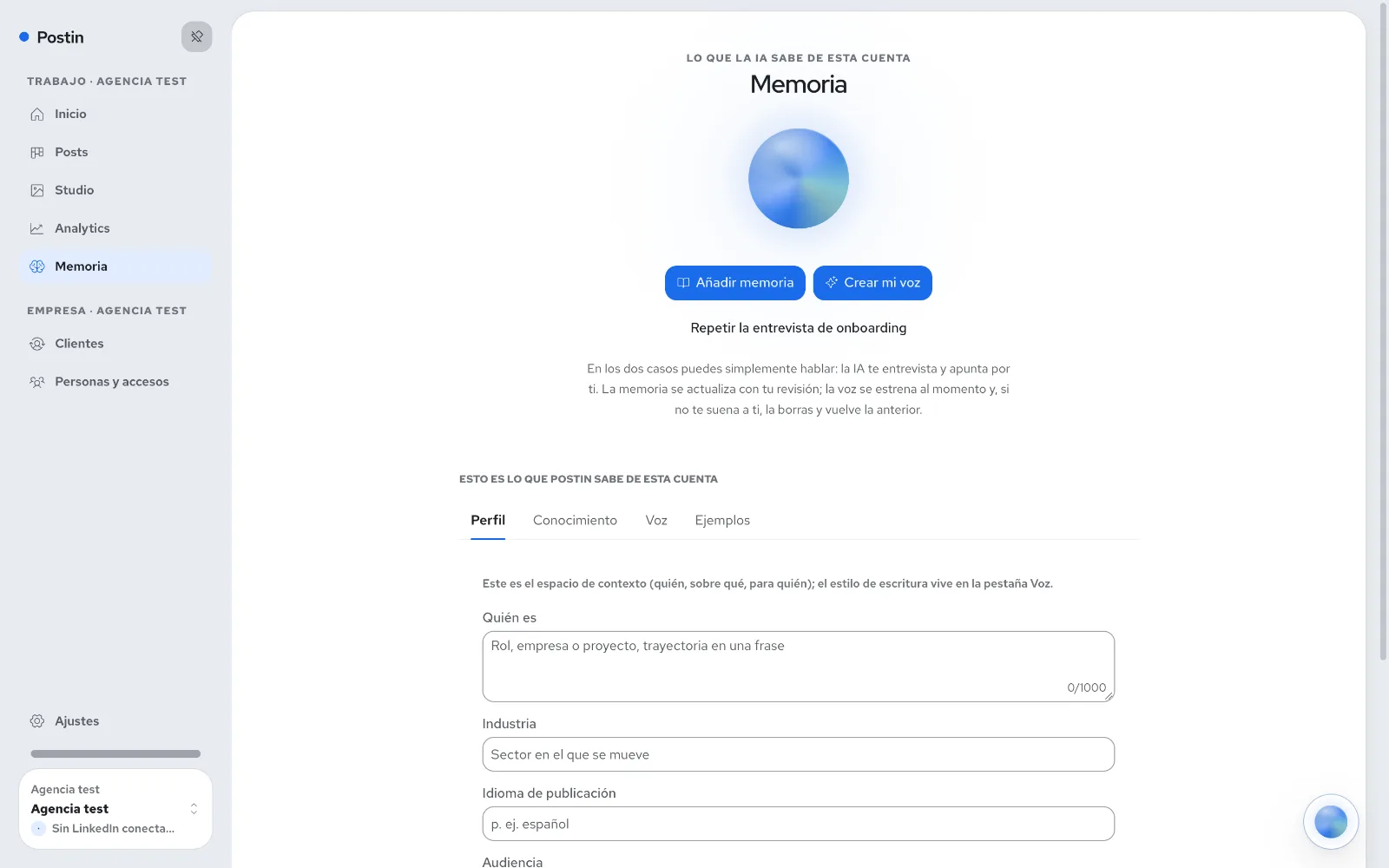
Before it writes, it learns your voice
The Voice Profile is the memory of your voice, and Postin uses it to draft your posts. You create it with an interview or from the chat, and your texts also teach it how you write. What you publish serves as a reference too. If you manage other people's LinkedIn, each of them has their own.
- With a spoken or written interview
- From the chat, without leaving the conversation
- Your sample texts teach it how you write
- So do the posts in your LinkedIn data export
Chat
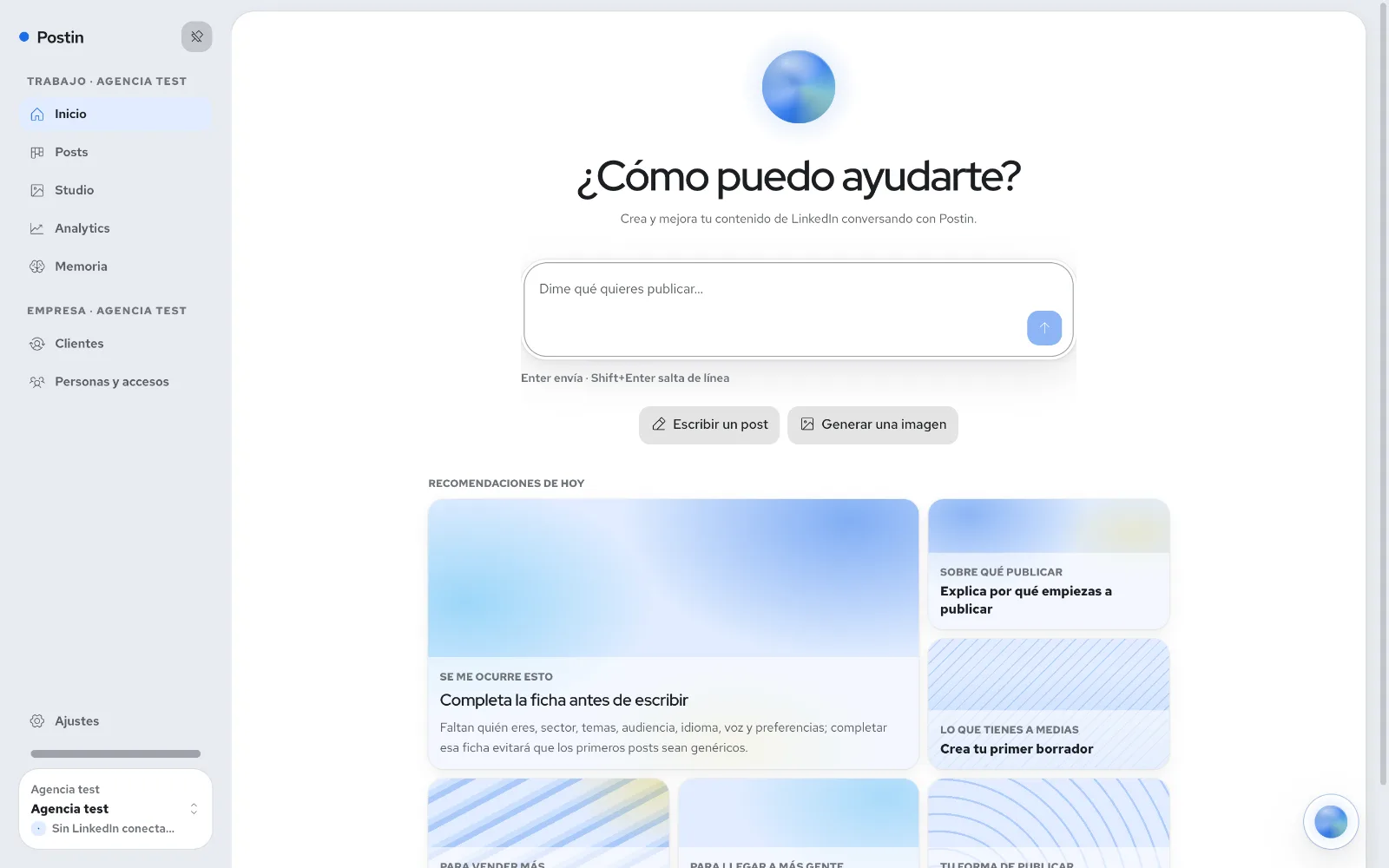
A chat that does research and cites its sources
You tell it the idea the way you'd tell someone on your team. If there are several ways to go, Postin gives you options to choose from; if not, it drafts the post right away. When it needs context, it searches the web. The sources stay below the answer, with title, link and excerpt, so you can check them before publishing.
- Options to choose from when there are several ways to go
- Web research when it's needed
- Sources with title, link and excerpt
- You edit by asking: “shorter”, “take that out”
Voice notes
If you talk better than you write, send it audio
You record a voice note in the chat, it gets transcribed and Postin works with it like any other message. The idea you have while out on a walk no longer waits until you sit down to write. It also takes attachments: a long audio file, an image, a PDF, documents and spreadsheets.
- Voice notes that get transcribed
- Long audio files as attachments
- Images, PDFs, documents and spreadsheets
Versions
You can go back to an earlier version
Each post keeps its recent versions. If you liked an earlier one better, you restore it. If someone creates a new version, the approval is removed and the schedule is canceled, so only the approved version goes out.
- Recent versions in every post
- Restore the version you prefer
- Only the approved version is published
- A new version removes the approval
You approve
You put the final period
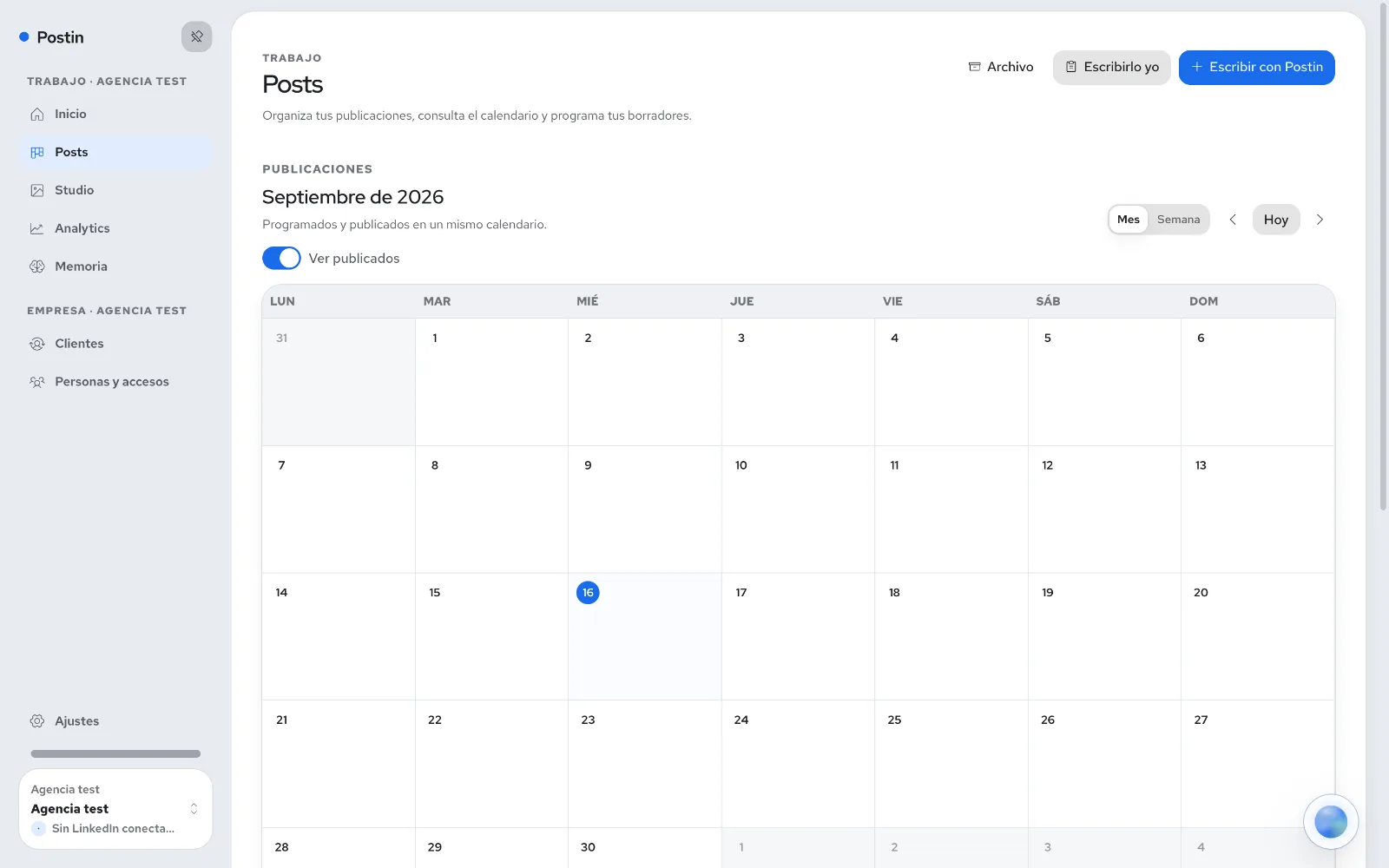
The chat writes, but it doesn't publish or schedule: you make the click. You approve and schedule in the same place as the draft, without copying it into another tool. On an individual account, scheduling or publishing already approves that version. Then Postin publishes it from its server, through LinkedIn's official API, even if you close your browser.
- A calendar with month and week views
- An exact day and time, in your account's time zone
- If it fails because of a temporary error, it tries again; if it can't, it emails you
- On Agency and company, your client can approve from a link
Step by step
From idea to published post
- 01
Create your Voice Profile
With a spoken or written interview or from the chat, plus some sample texts of yours. It's what makes the draft sound like you.
- 02
Tell it the idea
Write it, paste a text or send a voice note. If it needs context, it does the research and shows you the sources.
- 03
Pick an angle, if there are several
If the idea could go several ways, Postin gives you options and drafts the post with the one you choose. If not, it drafts it right away.
- 04
Ask for changes until it sounds like you
Say it the way you'd say it to a colleague: “more direct”, “drop the last sentence”. Recent versions stay in the post's history.
- 05
Schedule it or publish it
Pick a day and time on the calendar, or publish right away after confirming. At the set time, Postin publishes it even if your browser is closed.
Frequently asked questions
What people ask us.
Does Postin write the posts for me?
Postin is an AI social media manager for LinkedIn that writes in your language. It learns your voice, suggests what to post, drafts it and schedules it. It never publishes without your approval. It writes like you, not for you: the idea and the final word are yours.
How is it different from asking ChatGPT for the post?
A general assistant like ChatGPT helps you with lots of things, LinkedIn included. Postin is built only for LinkedIn and keeps the memory of your voice in the Voice Profile. The draft, its versions, the approval and the scheduling are all in the same place, with no copying text from one tab to another. And if you work with Claude or Codex, you can use Postin from there through MCP.
What if I don't have any texts of mine for it to learn my voice?
You can create the Voice Profile with an interview, spoken or written, or from the chat. You don't need saved texts to get started. What you publish afterward serves as a reference too.
What language does it write in?
In the publishing language you set in Memory: Spanish, Catalan, Galician, Basque, English, Portuguese, French, German or Italian. The draft starts from your Voice Profile, so it builds on the way you write.
What doesn't Postin do?
It doesn't publish anything without your approval, and the chat doesn't publish or schedule: you make the click. It doesn't read the content of the links you paste, so tell it the idea or paste the text. It only publishes to personal profiles: company pages are left out. It also doesn't measure how your posts perform or tell you what time to post.
Can I try it for free?
Yes. The Free plan never expires and doesn't ask for a card, and the paid plans can be tried. What each plan includes is on the pricing page.
Keep reading
Your next post, in your voice.
Start on the Free plan, which never expires: create your Voice Profile and ask the chat for your first draft.