LinkedIn for consultants: let people read how you think
As a consultant, LinkedIn lets the people who could hire you see how you think before the first call. That shows in three kinds of posts: cases without client data, opinions with judgment, and your method. Postin writes them with you, in your voice, or in each client's voice if you also manage their LinkedIn.
Your profile
If you post on your profile to win clients.
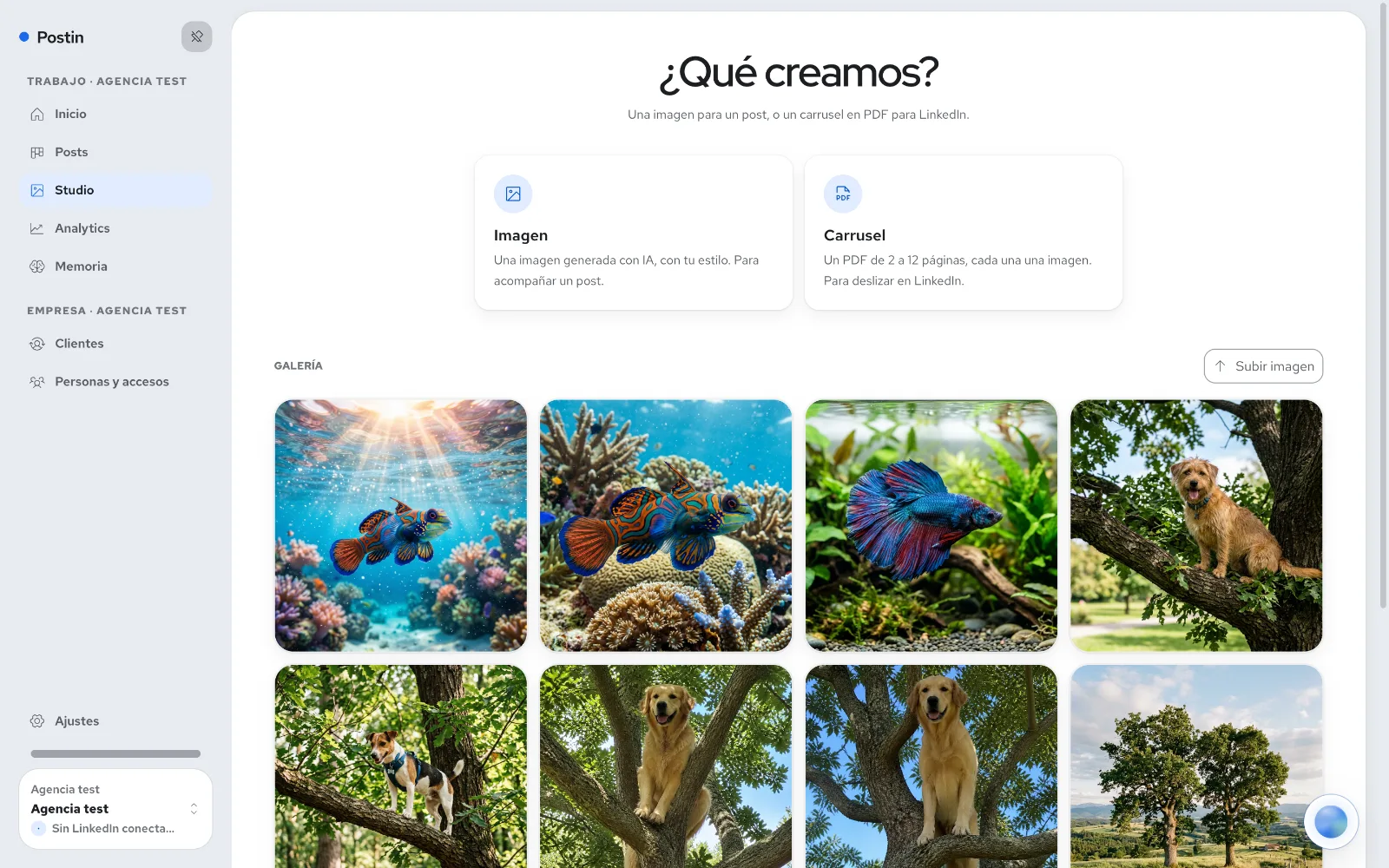
Postin is an AI social media manager for LinkedIn that writes in your language. It learns your voice, suggests what to post, drafts it and schedules it. It never publishes without your approval. For your own profile, an individual plan is all you need: Free or Pro.
- Your Voice Profile comes from an interview or the chat, and it learns from your texts
- Free never expires or asks for a card, and Pro can be tried
- Both are for a single LinkedIn account: yours
- What each plan includes is on the pricing page
Your clients
If you also manage your clients' LinkedIn.
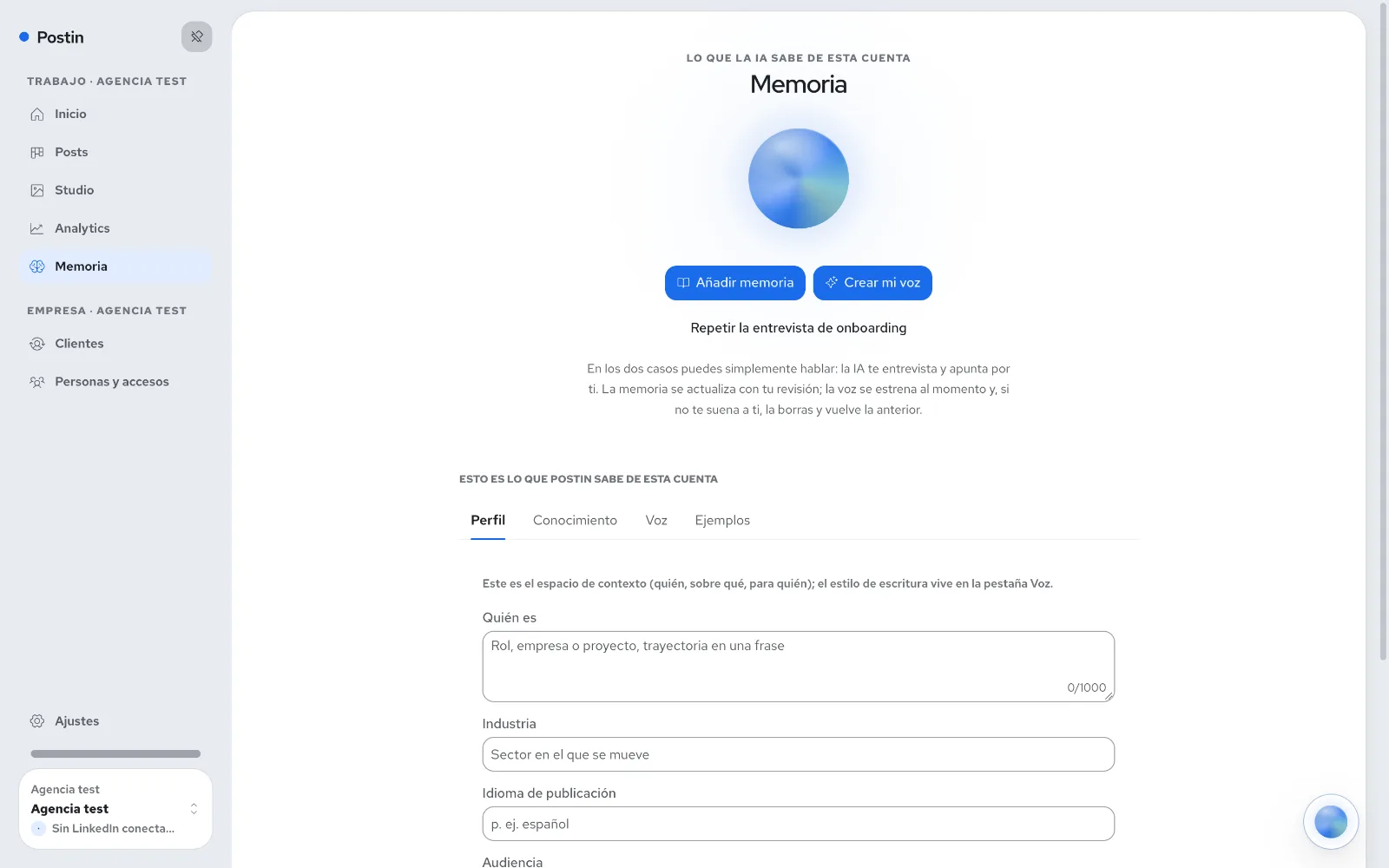
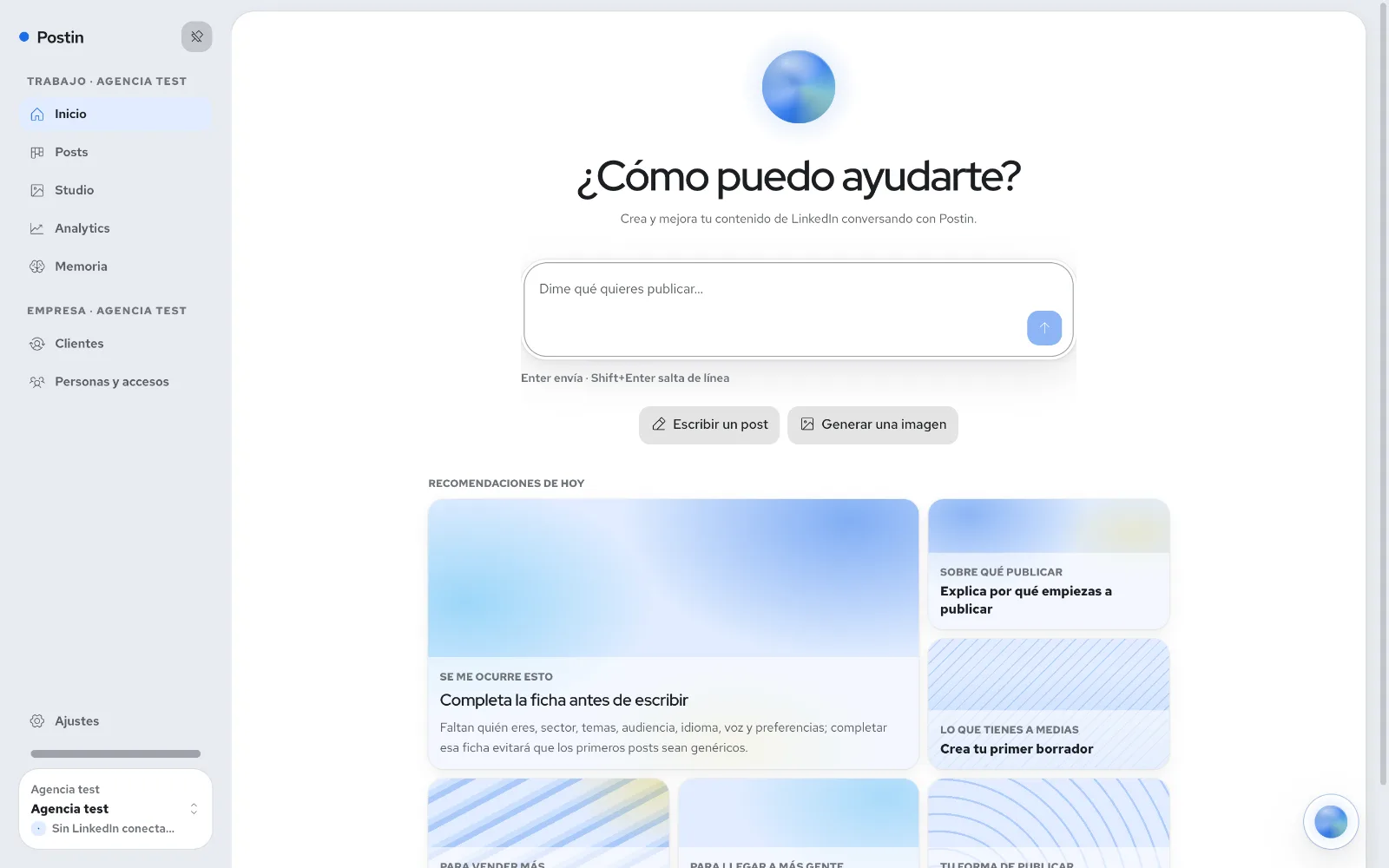
That's what the Agency and company plan is for. Each client is an organization with its own Voice Profile, and they connect their LinkedIn from a link, with their own login. You prepare the post and send it to them to approve from another link.
- One organization and one Voice Profile per client
- They connect their LinkedIn without giving you their password
- They approve, reject or ask for changes without creating an account
- You pay per LinkedIn profile you manage
What to post
What to post as a consultant.
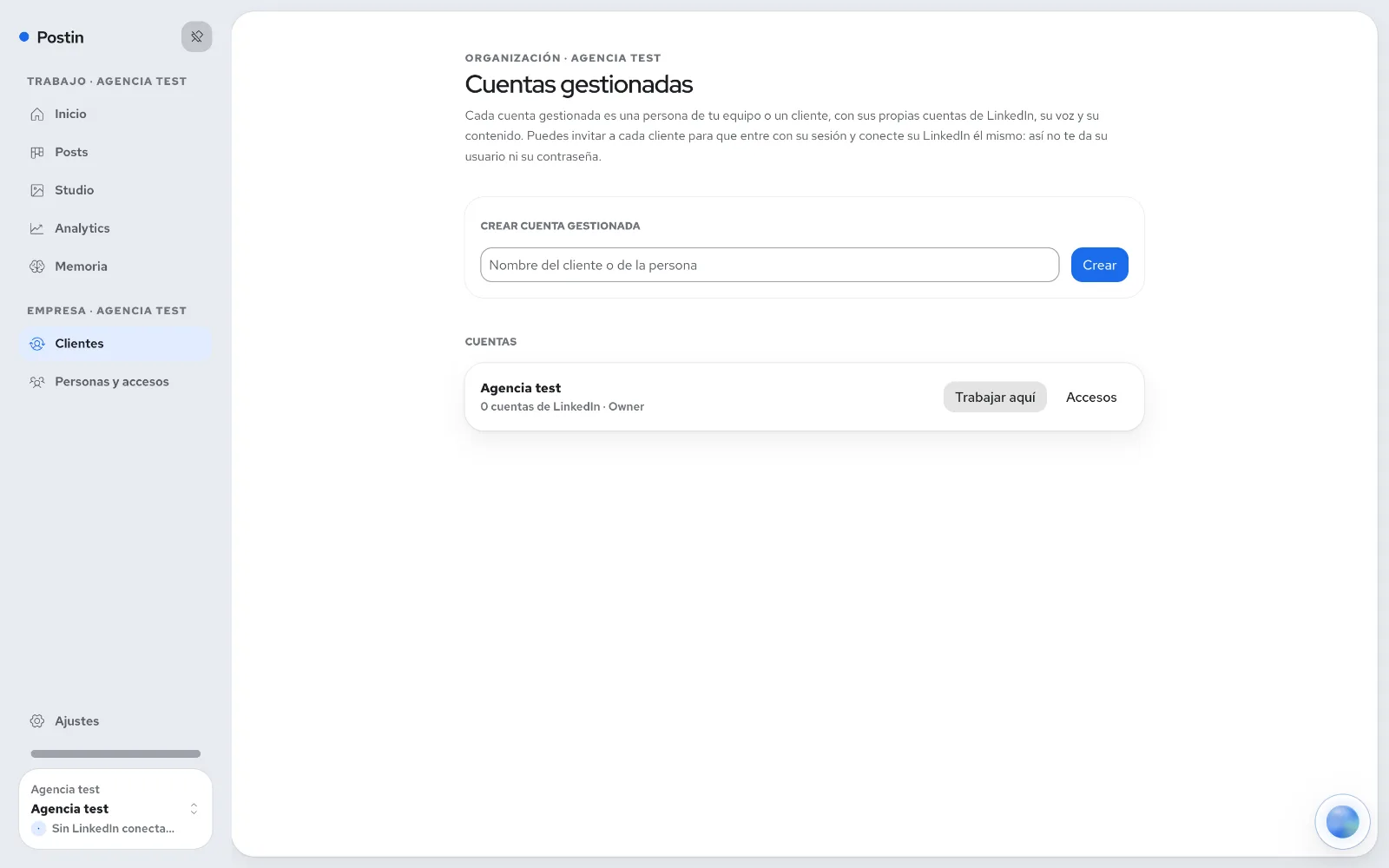
Anyone can write a general tip; only the person who lived a case can tell it well. That's why it pays to post from your work: what you solved, what you think and how you do it. You tell the chat the idea and, if there are several ways to go, it gives you options to choose from.
- Cases: the problem, what you did and what you learned, without client data
- Opinions with judgment on what you see in your industry
- Your method: how you diagnose, prioritize or decide
Confidentiality
No client data without their permission.
You're the one who applies that rule, because Postin doesn't know what's confidential in your project. You tell it the case without the client's names or figures, and you read the version before approving it. If someone changes it afterward, the approval is removed and the schedule is canceled.
- Remove names, figures and details that identify the client
- If you attach a document, first clean out what won't be published
- Each post keeps its recent versions, and you can restore an earlier one
- Your client can approve the exact version from their link
Step by step
How it fits when you're short on time.
- 01
Your Voice Profile, once
With a spoken or written interview, or from the chat. Your sample texts, which you can import from your LinkedIn data export file, also teach it how you write. After that, what you publish serves as a reference too.
- 02
The idea, between meetings
Leave the chat a voice note with the case or the opinion, and it gets transcribed. Just tell it the way you'd tell a colleague.
- 03
The draft, in your voice
If there are several ways to go, the chat gives you options; then it drafts the post in your voice. If it needs context, it searches the web and shows you the sources.
- 04
You fix it by talking
“Shorter”, “leave out the industry”, “less advice”. The post keeps its recent versions, and you can restore an earlier one.
- 05
You schedule it and get back to work
Pick the day and time, in your account's time zone. Postin publishes it from its server through LinkedIn's official API, even if your browser is closed.
- 06
If it's a client's, you ask for their sign-off
You send them a link and, without creating an account, they approve, reject or ask for changes with a reason. The link expires after 7 days and can be resent.
Frequently asked questions
What people ask us.
Is the Free plan enough, or do I need Pro?
If you only post on your own profile, an individual plan is all you need: you can start on Free, which never expires or asks for a card, and try Pro before you pay. What each plan includes is on the pricing page.
Can I manage a client on the Pro plan?
No. Pro is for a single LinkedIn account: yours. As soon as you manage someone else's profile, it's the Agency and company plan. There you get one organization per client, approval by link and payment per managed profile.
How do I share a case without exposing my client?
Tell the problem, what you did and what you learned, and remove anything that would let people recognize the client: their name, internal figures or very specific details. If you want to tell more, ask their permission before publishing. Postin doesn't know what's confidential in your project, so that review is yours.
What doesn't Postin do for a consultant?
It doesn't publish to your consulting firm's company page: only to personal profiles. It doesn't measure results or tell you which post brought you a client, because it has no analytics. It also doesn't schedule in bulk or pick the time for you, and the chat doesn't publish: you make the click.
Can it publish something I haven't seen?
No. The approved version is the one that's published, and if someone creates a new version, the approval is removed and the schedule is canceled. On your account, scheduling or publishing already approves that version.
What if I don't even have time to write the idea down?
Tell the chat in a voice note, which gets transcribed. It also takes a long audio file, a talk you gave, for example. And if you already work with Claude or Codex, you can ask for the draft from there through MCP.
Keep reading
Your last project is worth a post.
Tell the chat about it without client data, and you decide whether it goes out. Start free on your profile, or see Agency and company on Pricing if you manage your clients.