postin
Features

Less friction. More posts that are yours.

Everything Postin does, shown with real screenshots of the app. Nothing you see here is a mockup.

Chat01 / 06

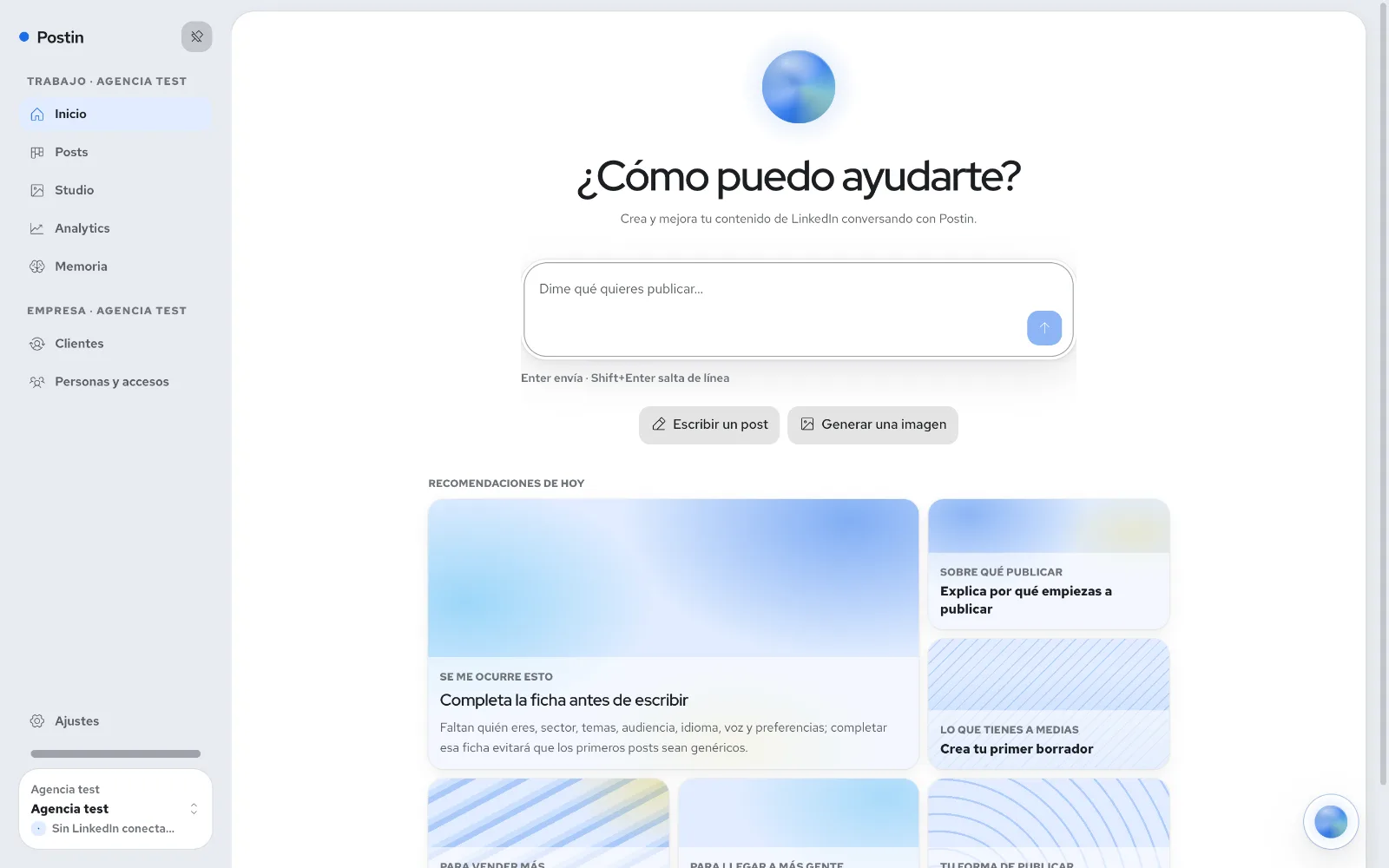
Ask for a post the way you'd ask someone on your team.

Share the idea, paste the text or upload a document. Postin does the research, suggests the angle, drafts it in your voice and cites its sources.

  • Researches and cites sources
  • Suggests the hook and the structure
  • Rewrites until it sounds like you
Postin Home: the chat where you ask for a post and Postin writes it in your voice

Memory02 / 06

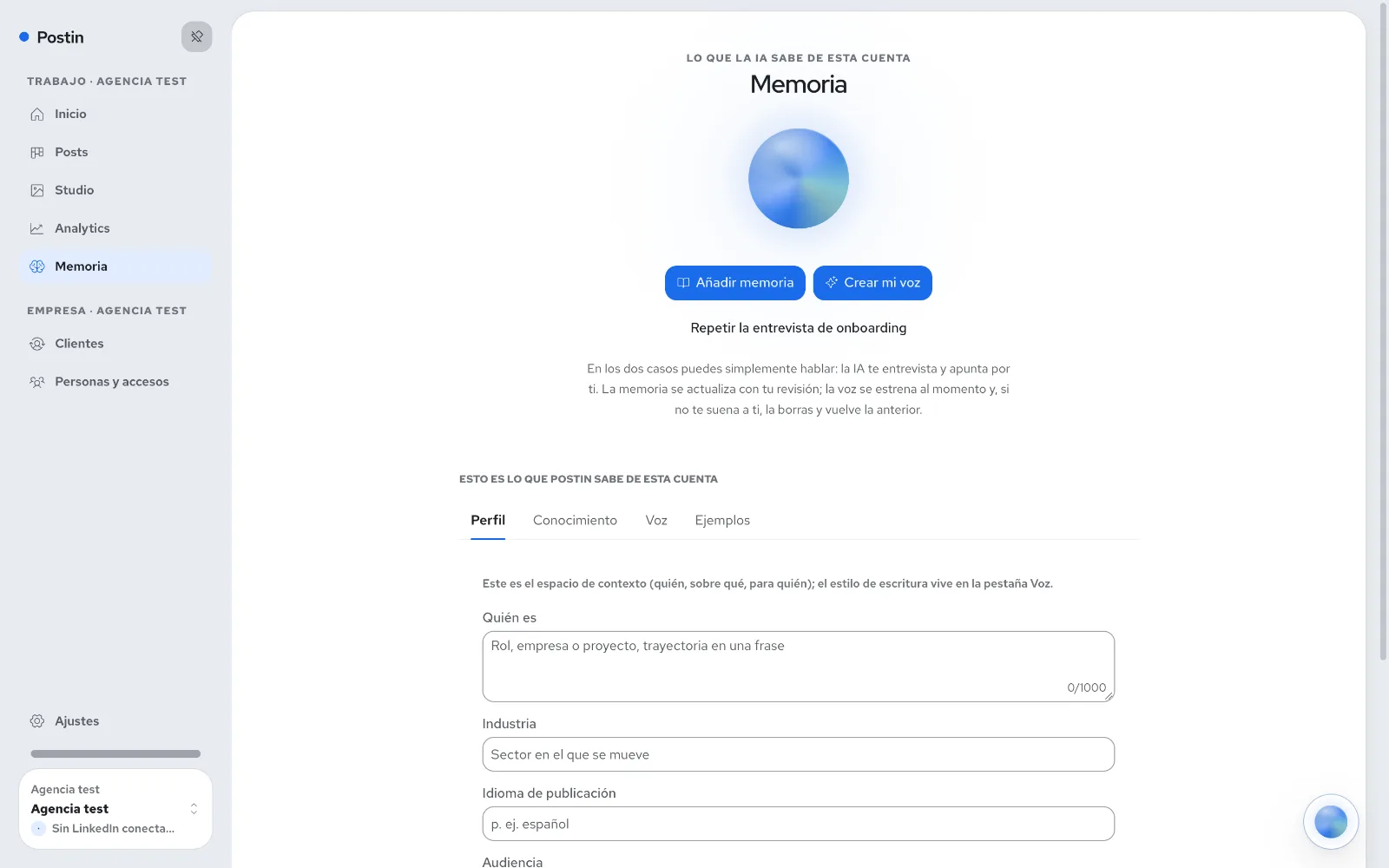
A Voice Profile that learns from what you've already written.

Import your LinkedIn posts or share three or four things you've written. Postin keeps your rhythm, your words and what you've already said, and uses them in every draft.

  • Learns from your posts
  • Notes and rules you decide
  • No generic filler
Postin Memory: the voice profile that learns how you write

Posts and scheduling03 / 06

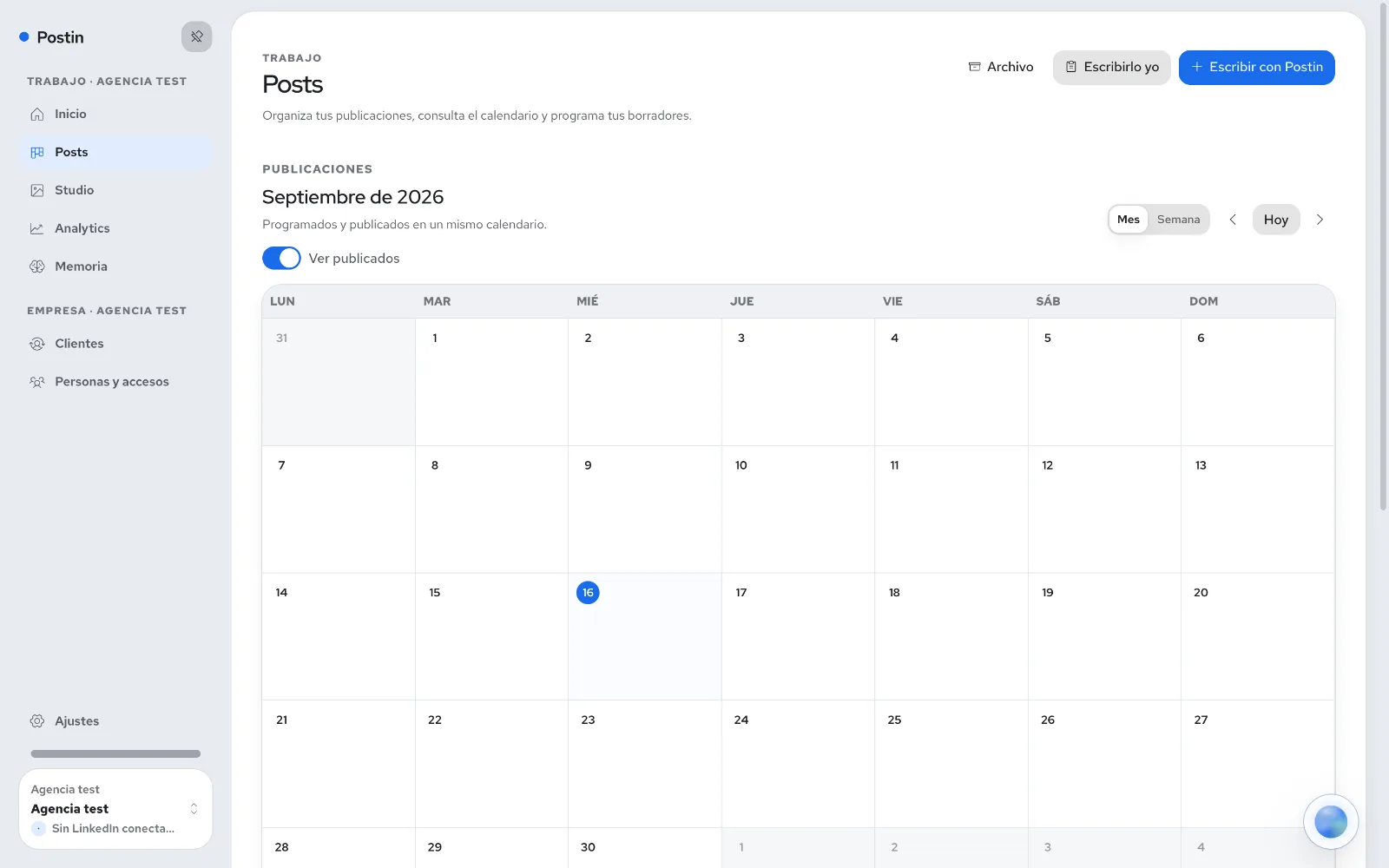
A calendar with every post in its place.

Scheduled and published posts in one calendar. Every post keeps its recent versions: editing creates a new one, and you can go back to an earlier one. Publishing and scheduling are buttons you press yourself, always on an approved version.

  • Recent versions you can restore
  • Approvals tied to the version
  • Reschedule or cancel in one click
  • Published from our servers, never from your browser
Postin Posts: the calendar with what's scheduled and what's published, in one place

Studio04 / 06

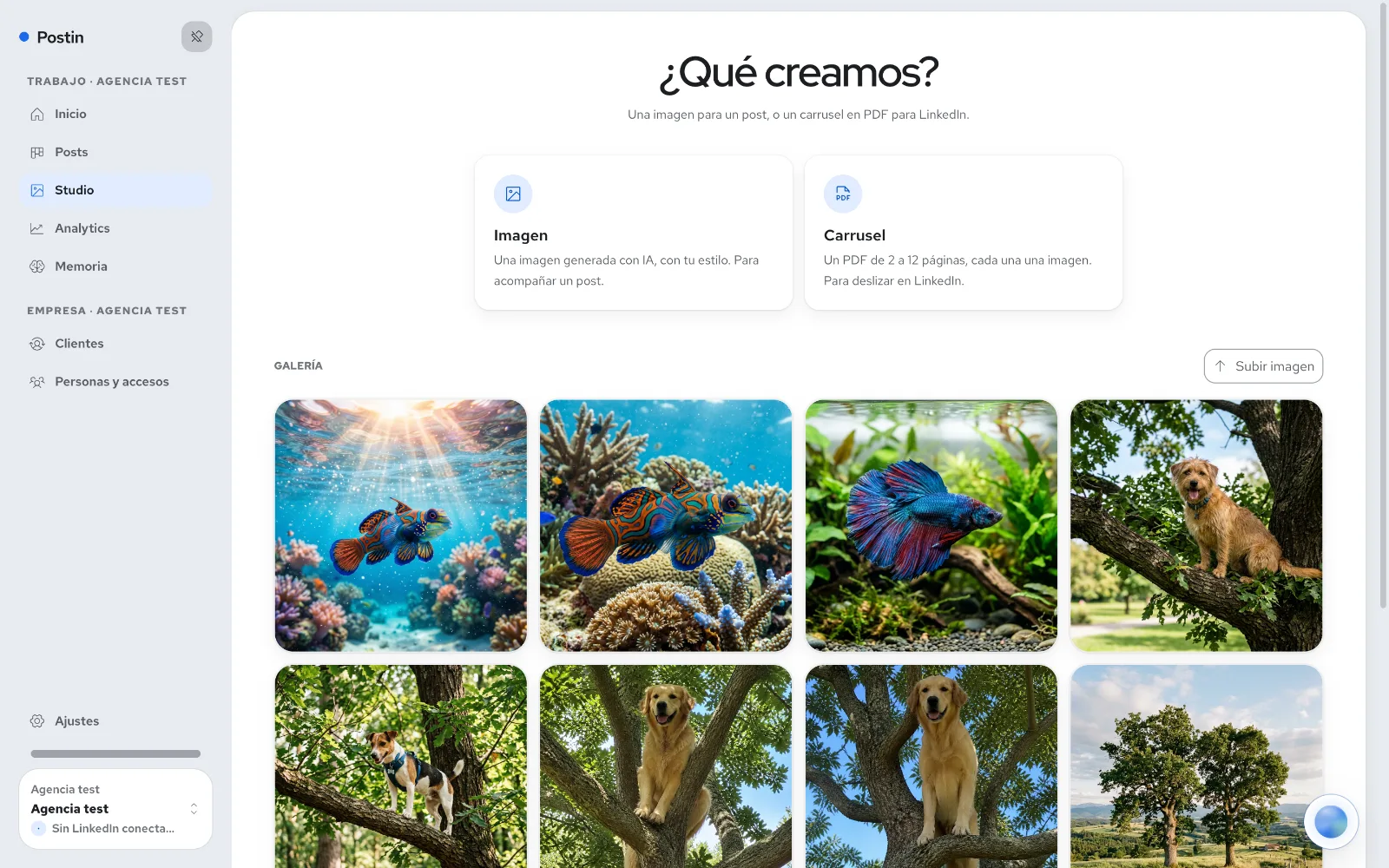
Images and carousels to go with the text.

Studio creates the post's image in the style you choose, or builds a PDF carousel ready for LinkedIn. Every version of an image stays in its history.

  • Visual styles made to fit you
  • PDF carousels
  • Version history for every image
Postin Studio: images and carousels for your posts

MCP access05 / 06

Work from the assistant you already use.

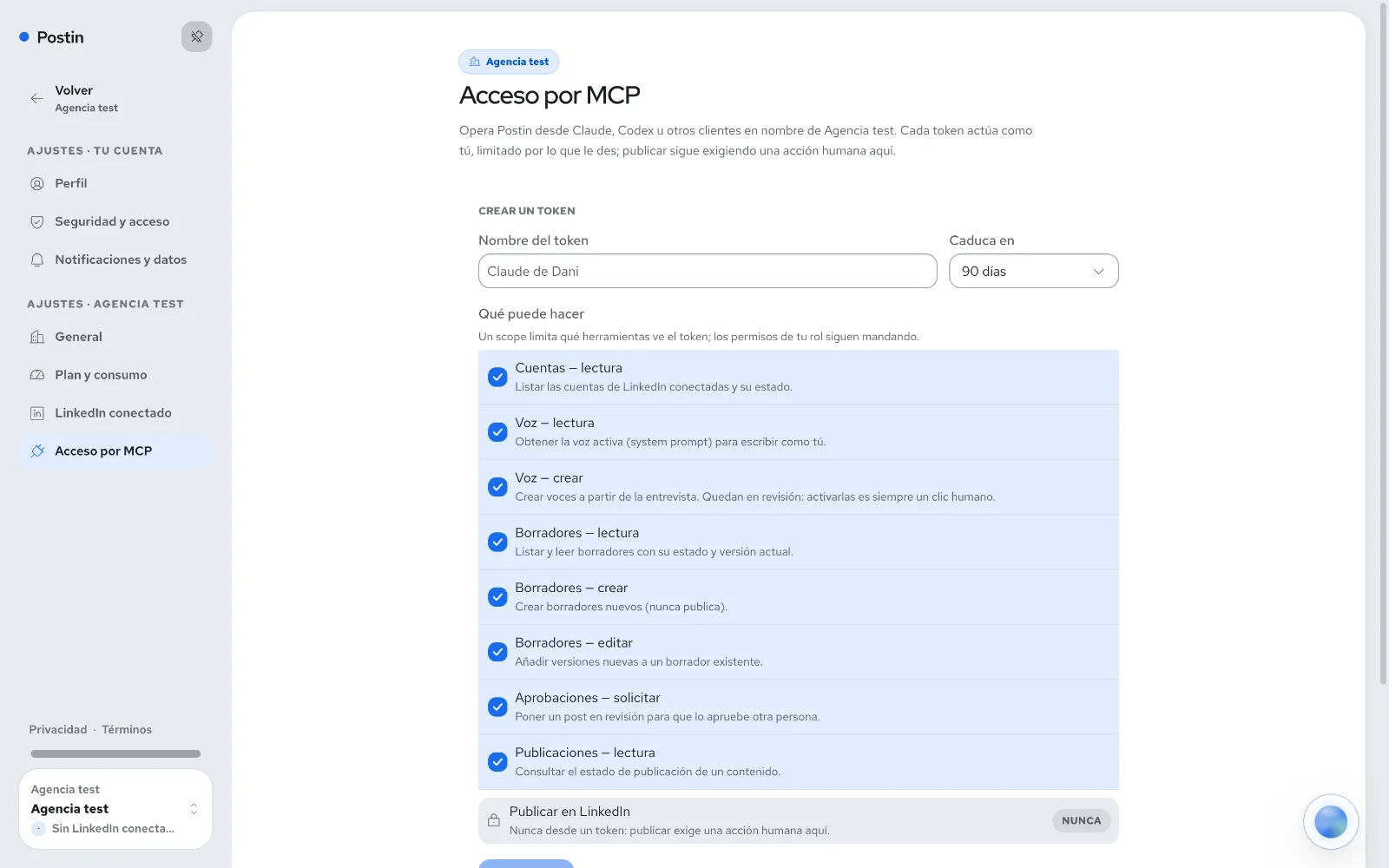
Connect Claude, Codex or another compatible client to your account. The same drafts, the same memory and the same rules: AI prepares, you publish.

  • Claude, Codex and MCP clients
  • The same drafts and rules in the chat, over MCP and on the web
  • Publishing is still up to you
MCP access: connect Claude, Codex or another assistant to your Postin account

Agencies06 / 06

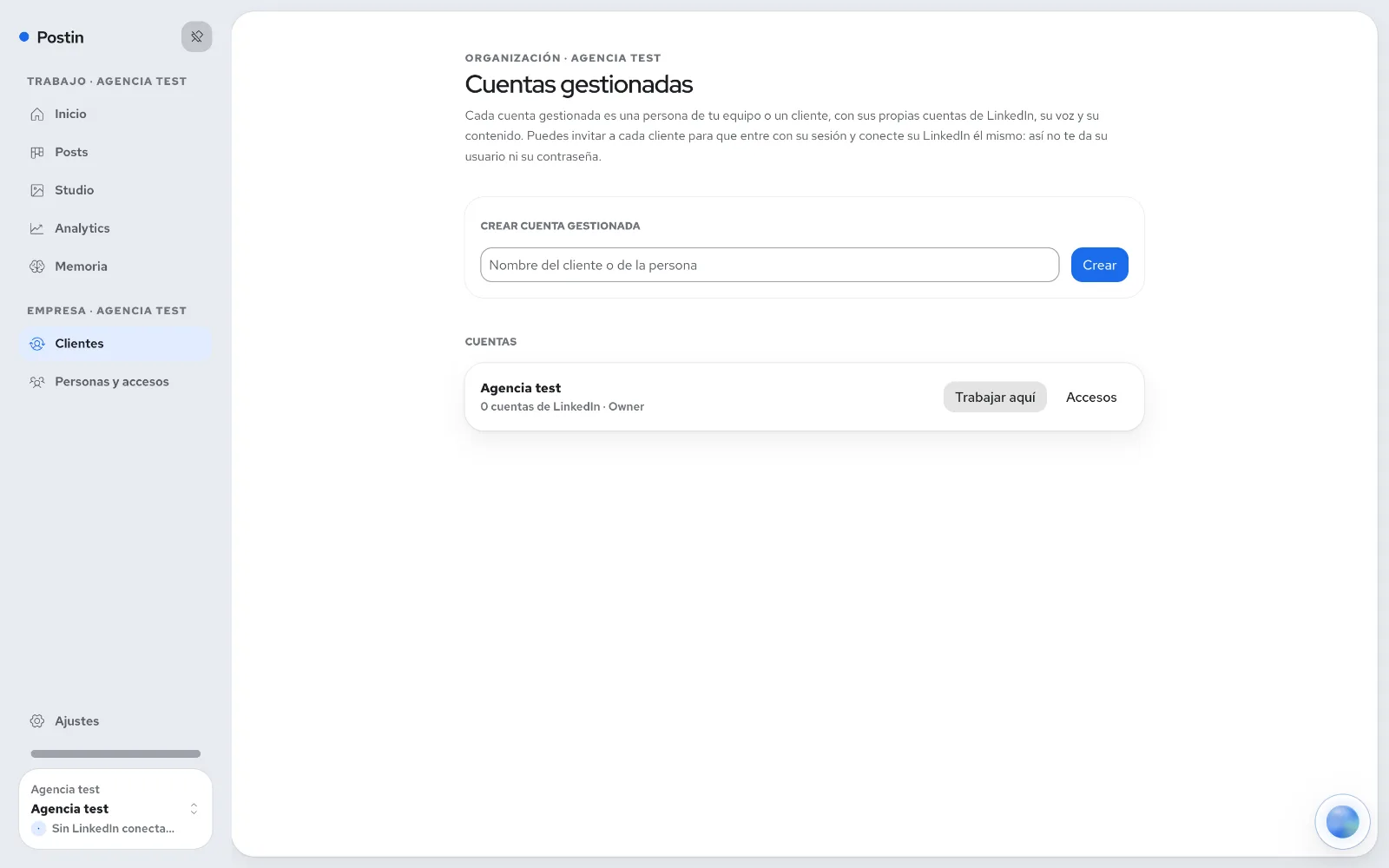
Many voices, one account.

Each client is an organization, with its own voice and its LinkedIn connected from its own session. Your team works across all of them without mixing anything up.

  • Clients with their own voice
  • People and access by role
  • No one can read anyone else's LinkedIn token

See Postin for agencies

Clients in Postin: each in its own organization, managed from a single account

Start today

Try it with your own voice.

Connect your LinkedIn, share three things you've written and ask for your first draft.