
Postin vs AuthoredUp
AuthoredUp is mainly an editor and analytics tool that works inside LinkedIn through its Chrome extension. Postin is a social media manager that drafts with you in your language, with your voice, connects through the official API and schedules with your approval.
AuthoredUp data checked on its website on October 18, 2026.
What Postin is
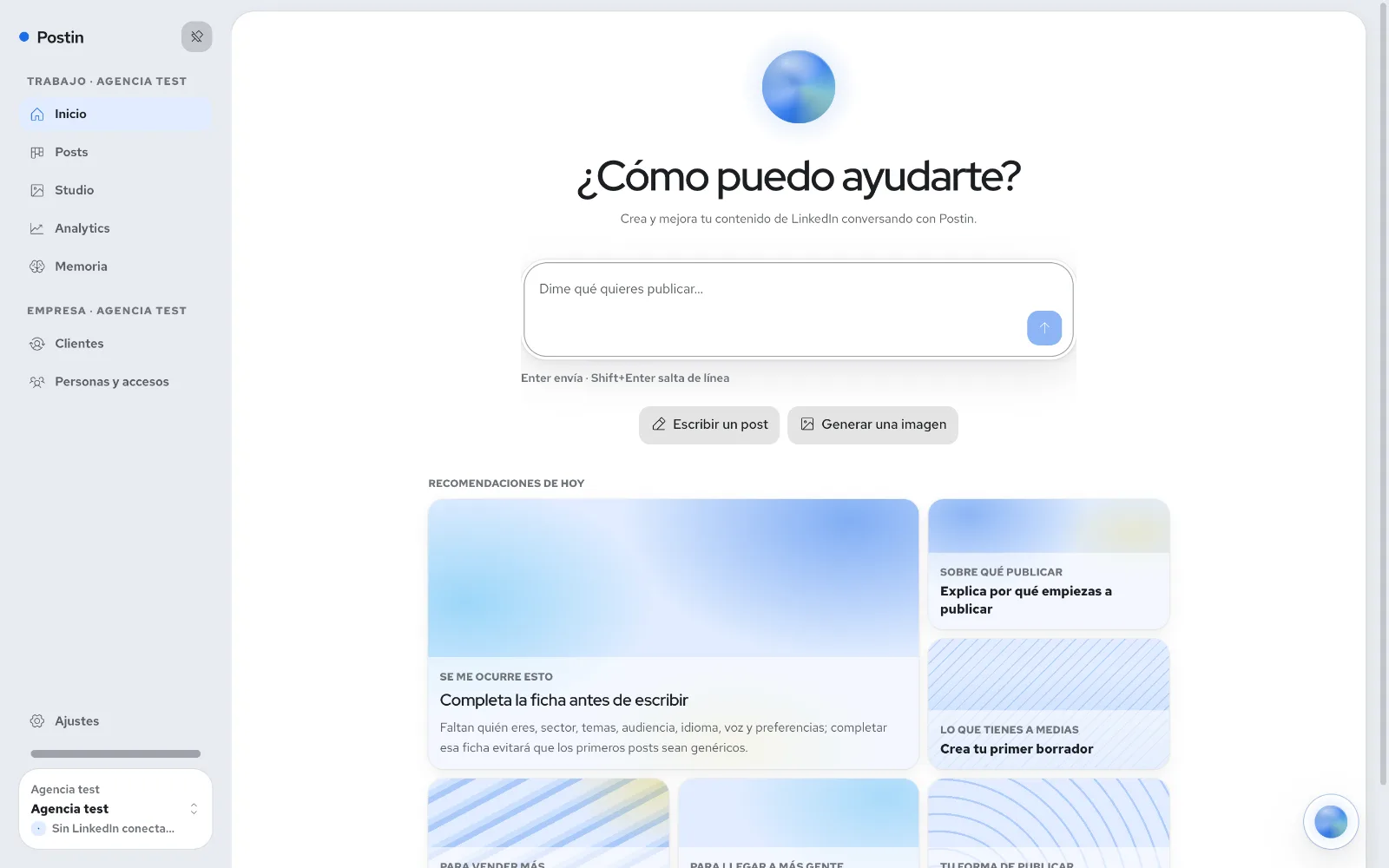
Postin is an AI social media manager for LinkedIn that writes in your language. It learns your voice, suggests what to post, drafts it and schedules it. It never publishes without your approval.
What AuthoredUp is
A LinkedIn writing and analytics tool that works through a Chrome extension and a web platform, with an editor, a calendar, detailed analytics and an AI assistant in beta.
Postin and AuthoredUp, point by point
| Criterion | Postin | AuthoredUp |
|---|---|---|
| Interface language | Spanish, English and Portuguese. | English, according to its help center.Source: AuthoredUp: languages |
| Post language | Writes in the publishing language you set in Memory: Spanish, Catalan, Galician, Basque, English, Portuguese, French, German or Italian. | Spanish isn't listed. Its hook and ending libraries are in English, German and Dutch.Source: AuthoredUp: languages |
| How it learns your voice | Voice Profile: learns from your writing and from what you tell it, typed or in voice notes. | Coauthor, in beta: you train the voice on your posts or on saved posts, and it makes suggestions as you write.Source: AuthoredUp: what's new in version 7.0 |
| LinkedIn connection | LinkedIn's official API. Postin doesn't see your password. | Through its Chrome extension. It says it doesn't use your LinkedIn cookie.Source: AuthoredUp: not an automation tool |
| Scheduling | Calendar. Publishes from the server at the time you choose, with your browser closed. | Calendar. It uses LinkedIn's native scheduling, up to three months ahead.Source: AuthoredUp: how scheduling worksSource: AuthoredUp: calendar |
| Approval before publishing | Always: nothing is published until you approve a specific version of the post. | No formal approval flow is listed. It does have a read-only link to review the draft, draft statuses, shared drafts and roles.Source: AuthoredUp: sharing draftsSource: AuthoredUp: draft statuses |
| Teams and agencies | One organization per client or person, client onboarding and approval by link, and role-based access. | Business plan: several profiles, roles and pricing per connected profile. Minimum of 3 profiles.Source: AuthoredUp: pricing |
| Other features | Studio (images and carousels) and MCP access from Claude or Codex. | Detailed analytics with CSV export, a hook and ending library, an archive of saved posts and MCP.Source: AuthoredUp: pricingSource: AuthoredUp: what's new in version 7.0 |
| Free plan | Yes. The Free plan never expires and doesn't ask for a card. What each plan includes is on the pricing page. | No. A 14-day free trial, no card required.Source: AuthoredUp: trying AuthoredUp |
| Starting price | Pro, €39 a month. Agency and company, per managed LinkedIn profile. | Individual, 19.95 USD a month. Business, 14.95 USD per profile a month, with a minimum of 3 profiles. Billed monthly.Source: AuthoredUp: pricing |
How they differ
Who writes
In AuthoredUp you write and its assistant, in beta, makes suggestions. In Postin you tell the chat your idea, it can research the topic, and it gives you back a draft in your voice for you to adjust.
Language
AuthoredUp is in English, and its assistant isn't stated to write in Spanish. Postin's interface is in Spanish, English and Portuguese, and it writes in the publishing language you set in Memory.
How you work with clients
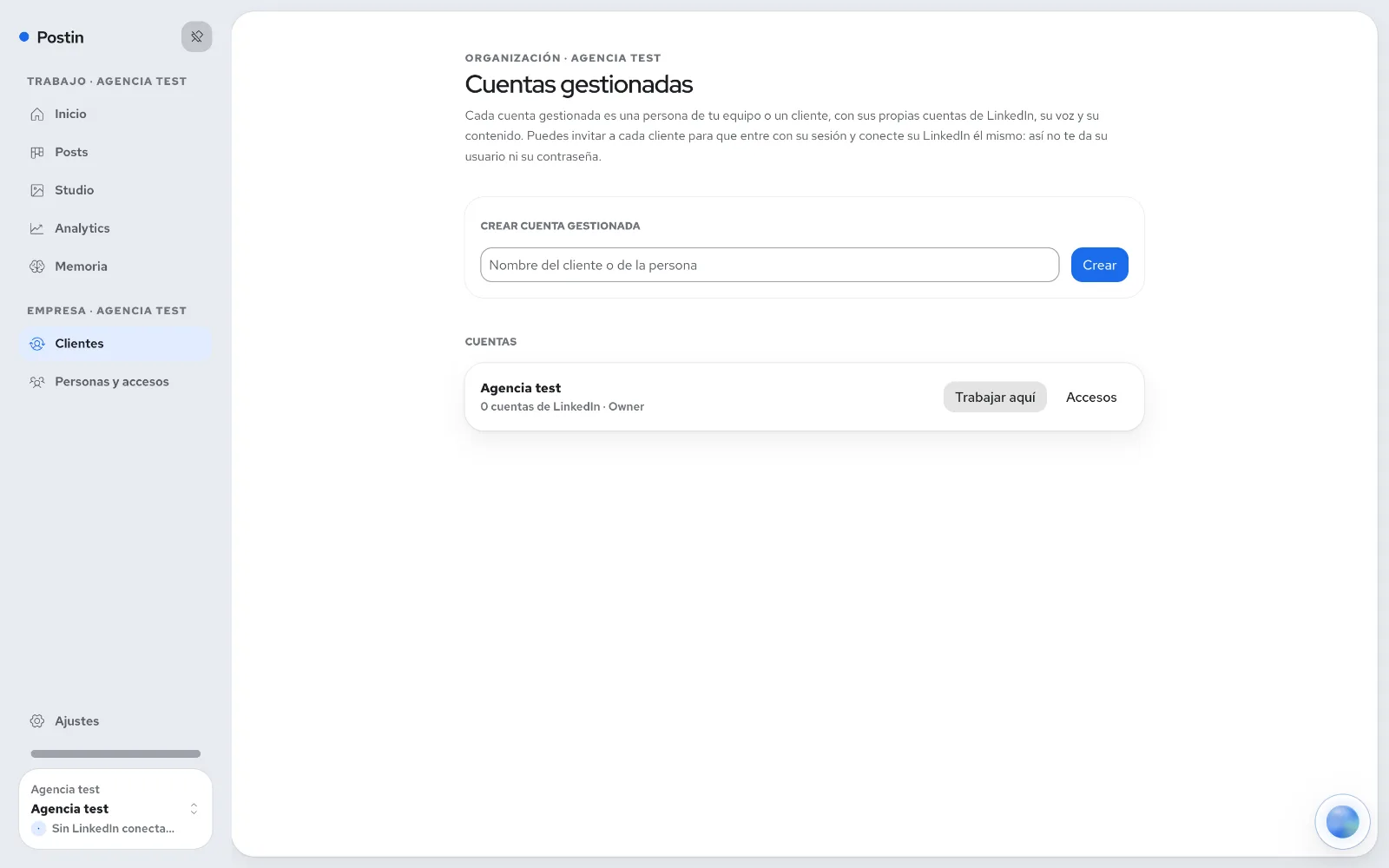
AuthoredUp's help center explains that to post on a client's behalf you need their credentials or have to leave them drafts. In Postin each client connects their LinkedIn with a link, from their own session, and approves the version that gets published.
Which one fits you
It depends on how you work.
AuthoredUp is a better fit if…
- You already write your posts and what you want is a good editor and detailed analytics inside LinkedIn.
- You want to export your data to CSV or go back over the posts you've saved.
- You're after the lowest per-profile price in this comparison and don't need the tool to draft for you.
Postin is a better fit if…
- You want someone to draft with you, in your language and with your voice.
- You prefer LinkedIn's official API to a browser extension.
- You work with clients and want approvals by link, without handling passwords.
We also compare Postin with Taplio and Supergrow, and there's a page of Taplio alternatives.
Frequently asked questions
What people ask us.
What language is AuthoredUp in?
English. Its help center says the interface is only in English, and its hook and ending libraries are in English, German and Dutch. Postin's interface is in Spanish, English and Portuguese, and it writes in the publishing language you set in Memory: Spanish, Catalan, Galician, Basque, English, Portuguese, French, German or Italian.
Does AuthoredUp write posts with AI?
It has an assistant, Coauthor, in beta, that learns your voice from your posts and makes suggestions as you write. Postin drafts the post with you from the idea you tell it.
Which costs less?
AuthoredUp Individual costs 19.95 USD a month and has a 14-day trial. Postin has a Free plan that never expires, and Pro costs €39 a month. Prices checked on October 18, 2026.
Do I need to give Postin my LinkedIn password?
No. Postin connects through LinkedIn's official API with OAuth and doesn't see your password.
Sources
Data on the other tools comes from their official websites and help centers, checked on October 18, 2026. We review this page every quarter; the next review is in January 2027. If you spot something that's no longer accurate, let us know.
Try it with your next post.
The Free plan never expires. Tell the chat your idea and it comes back in your voice.